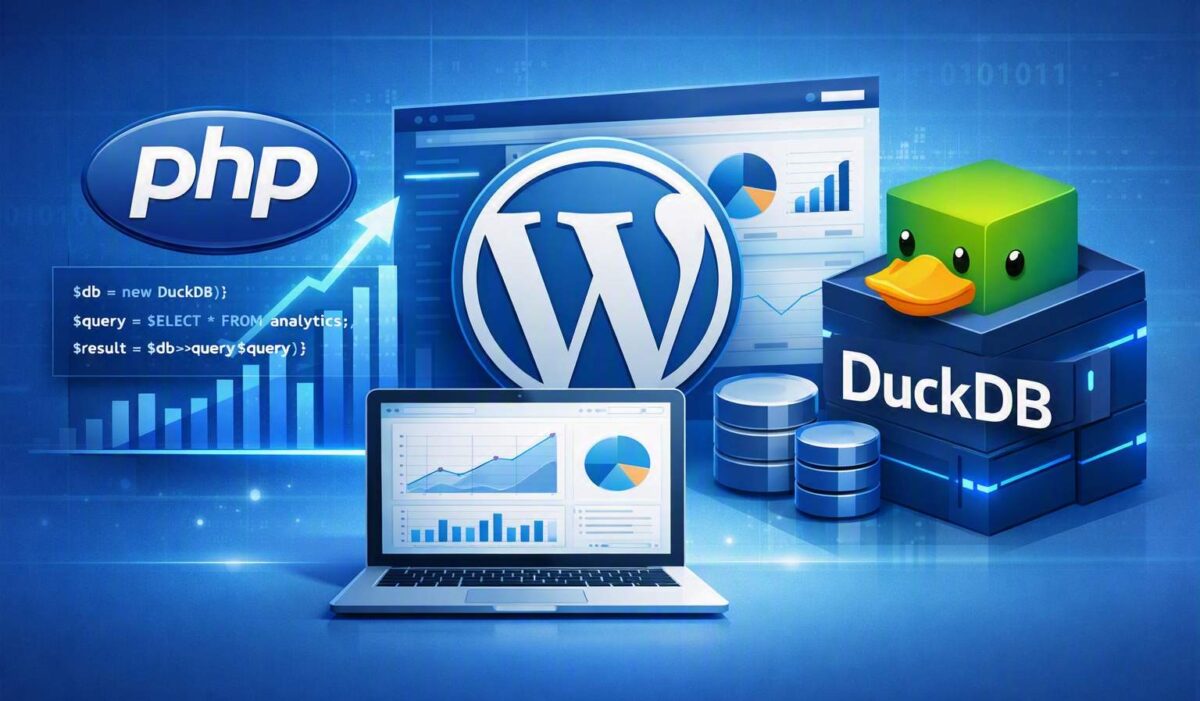
Supercharging Your PHP & WordPress Analytics: How to Replace MySQL with DuckDB


A step-by-step guide to migrating analytical workloads to an in-process, columnar powerhouse.

For decades, the LAMP stack (Linux, Apache, MySQL, PHP) has been the bedrock of web development. MySQL excels at handling transactions, creating users, and saving blog posts. However, when your PHP application or WordPress site needs to generate heavy reporting dashboards, aggregate millions of rows, or run complex business intelligence (BI) queries, MySQL can choke.

Enter DuckDB: an embedded, columnar database engine designed specifically for fast analytical query execution. Think of it as the SQLite for analytics. Let’s explore why you should pair or replace your analytical MySQL pipelines with DuckDB, along with practical implementation steps for PHP, MySQL, and WordPress environments.

Why Move Analytical Workloads to DuckDB?

    • Blazing Fast Analytics: DuckDB uses vectorized query execution and columnar storage. Instead of reading row-by-row like MySQL’s InnoDB engine, it processes blocks of similar data simultaneously, transforming queries that take minutes in MySQL into fractions of a second.
    • In-Process Simplicity: No database server daemon to manage, update, or open network ports for. It runs directly inside your runtime or via lightweight CLI/extensions.
    • Drastic Storage Compression: Its columnar structure means identical data types live next to each other, allowing DuckDB to heavily compress analytical tables to a fraction of MySQL’s disk footprint.
    • File-System Interoperability: It can query raw CSV, JSON, and Parquet files directly using standard SQL without needing to import them first.
Important Mindset Shift: DuckDB is an OLAP (Online Analytical Processing) tool. Do not completely strip MySQL away if your web app needs high-frequency concurrent writes (like hundreds of users logging in at once). Instead, look at DuckDB to replace the reporting/analytical backend or handle heavy background data processing.

Step-by-Step Guide: Connecting DuckDB to Your MySQL Database

DuckDB makes it incredibly easy to bridge data over using its official MySQL extension. You don’t even need complex ETL tools; DuckDB can connect directly to your database server and pull tables into memory or a local file.

Step 1: Install and Launch DuckDB

Download the DuckDB CLI for your operating system or use a package manager. Once opened, you can run the following SQL commands to link MySQL:

-- Install and load the official MySQL extension
INSTALL mysql;
LOAD mysql;

-- Connect directly to your existing MySQL database
ATTACH 'host=127.0.0.1 user=root password=secret dbname=my_web_app' AS mysql_db (TYPE MYSQL);

Step 2: Copy and Convert Tables into Columnar Format

Once attached, moving your transactional tables into DuckDB’s highly-optimized file structure takes a single standard SQL command:

-- Create a native, compressed DuckDB table directly from MySQL data
CREATE TABLE analytical_orders AS SELECT * FROM mysql_db.orders;

Implementing DuckDB in PHP Development

Since DuckDB does not run as a standalone server, PHP applications interact with it via the official DuckDB PHP Extension or by using the CLI wrapper in background Cron jobs.

Example: Querying DuckDB inside a PHP Script

First, make sure the DuckDB extension is installed on your PHP environment. Here is how you initialize a local analytics database and process metrics instead of relying on MySQL:

<?php
// 1. Initialize or open an embedded DuckDB file database
$db = new DuckDB\Database('analytics_warehouse.db');
$connection = $db->connect();

// 2. Querying data using standard SQL syntax
$result = $connection->query("
    SELECT 
        EXTRACT(YEAR FROM order_date) as order_year,
        COUNT(order_id) as total_sales,
        SUM(grand_total) as gross_revenue
    FROM analytical_orders
    GROUP BY 1
    ORDER BY 3 DESC
");

// 3. Fetch and display data inside your application dashboard
while ($row = $result->fetchArr()) {
    echo "Year: " . $row['order_year'] . " | Revenue: $" . number_limit($row['gross_revenue'], 2) . "<br>";
}
?>

Transforming WordPress Analytics with DuckDB

WordPress stores everything inside a highly flexible EAV (Entity-Attribute-Value) schema inside MySQL (specifically the wp_postmeta table). If you have a WooCommerce store with hundreds of thousands of orders, running complex analytical joins across wp_postmeta can freeze your web server.

The Architecture: A Hybrid Approach

Keep WordPress running perfectly on MySQL for day-to-day user operations, but offload the WooCommerce or traffic analytics engine to DuckDB. You can set up a background cron job that exports new data weekly or daily into a localized DuckDB file for instantaneous report generation.

Step-by-Step Dashboard Setup for WordPress

    1. Offload Meta Tables: Write a plugin hook or standalone script that flattens complex meta tables into a clean, flat schema.
    2. Export to Parquet/DuckDB: Use the DuckDB extension to query MySQL and dump results directly into a fast file format like Parquet:
      COPY (SELECT * FROM mysql_db.wp_posts WHERE post_type = 'shop_order') TO 'wp_orders.parquet' (FORMAT PARQUET);
    3. Power the Admin Dashboard: Let your WordPress admin dashboard panel read directly from the generated .db or .parquet files via a localized background execution step, freeing your primary MySQL instance to handle customer checkouts cleanly.
Result: Your WordPress page speed remains ultra-fast during checkout, and admin dashboard reports load in milliseconds rather than causing database timeout errors!

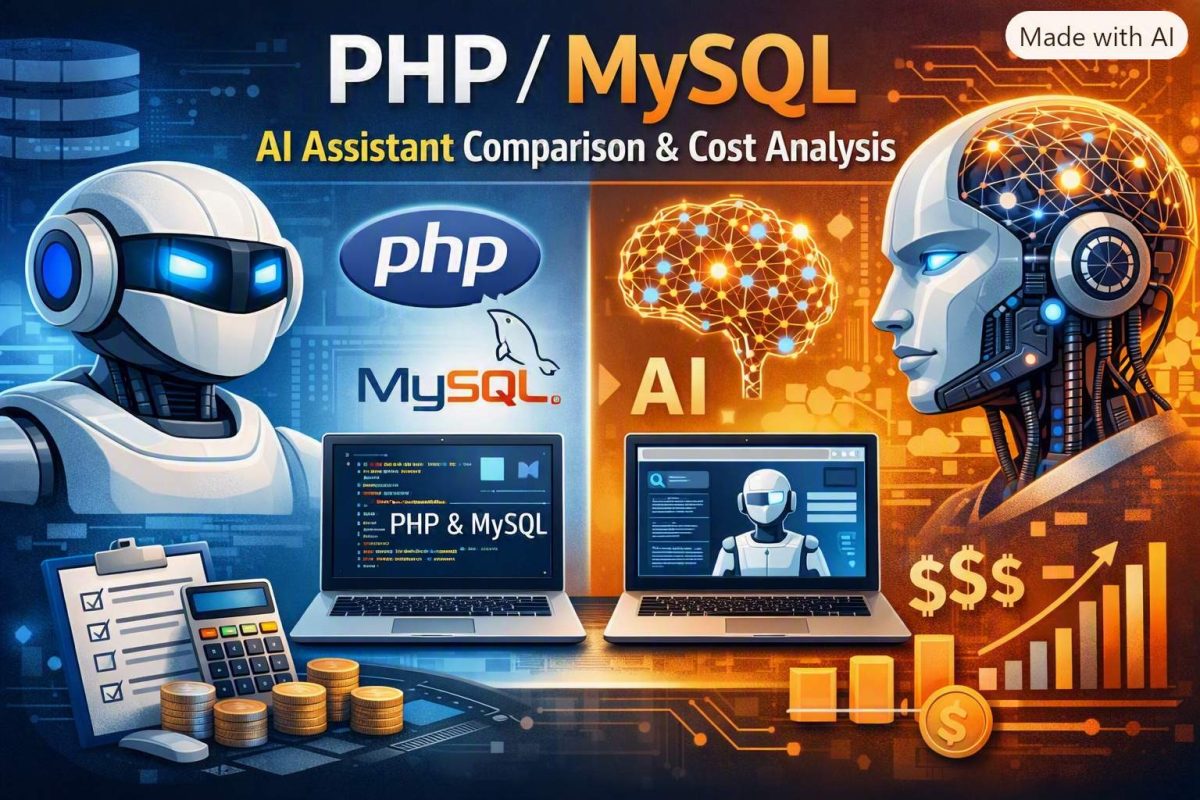
PHP/MySQL AI Assistant Comparison & Cost Analysis

Selecting the right AI setup for backend development depends on whether you prefer Fixed-Fee Coding Tools (IDE integrations like Cursor or Copilot) or Raw API Usage (paying per-token for custom workflows and extensions). Below is a side-by-side comparison including GitHub Copilot and Cursor.

1. Subscription-Based AI Coding Tools (Fixed / All-In-One)

These platforms integrate directly into your editor (VS Code, PhpStorm) to provide auto-complete, inline refactoring, and AI agent capabilities.

Tool Pricing Structure Underlying Models PHP 8+ & MySQL Capability
GitHub Copilot Fixed Fee
Free: $0 (2k completions/mo)
Pro: $10/mo
Business: $19/user/mo
GPT-4o, Claude 3.5 Sonnet, Claude 3.7 Sonnet, Gemini 2.5 High: Exceptional autocomplete in VS Code/PhpStorm. Strong at writing PDO/MySQL queries, active framework context (Laravel/Symfony).
Cursor IDE Fixed Fee
Hobby: Free
Pro: $20/mo
Pro+: $60/mo
Claude 3.5/3.7 Sonnet, GPT-4o, DeepSeek R1/V3, Custom Auto-mode Elite: Considered the best overall AI code editor. Deep index of entire backend codebases and database schemas for instant context.
Windsurf / Codeium Fixed Fee
Free: Generous free tier
Pro: $15/mo
Cascade Flow, Claude Sonnet, GPT-4o High: Real-time flow state, excellent multi-file editing across PHP classes and MySQL migrations.

2. Raw API Models (Pay-Per-Token Comparison)

If you connect model API keys directly into extensions like Continue.dev or Cline, pricing varies significantly by model. Prices below are estimated per 1 Million Tokens (Input / Output).

Model Cost Level API Cost / 1M Tokens PHP / MySQL Efficiency & Rating
DeepSeek (V3 / R1) Cheapest API ~$0.27 In / ~$1.10 Out 🌟🌟🌟🌟🌟 Exceptional Value
Outperforms Western models 10x its cost. Handles SQL indexing and PHP business logic easily.
Qwen (Coder 2.5) Ultra Cheap / Free Local ~$0.30 In / ~$1.50 Out
($0 local via Ollama)
🌟🌟🌟🌟🌟 Open Source Leader
Tailored specifically for code generation. Ideal for modern PHP 8.x typed code and complex SQL JOINs.
Google Gemini (Flash) Very Cheap / Free Tier ~$0.10 In / ~$0.40 Out
(Free in Google AI Studio)
🌟🌟🌟🌟 Mass-Context Specialist
Can take entire MySQL database dumps and huge legacy monolith PHP scripts in a single prompt due to huge context windows.
xAI Grok (Grok 2 / 3) Moderate ~$2.00 In / ~$10.00 Out 🌟🌟🌟 Good
Solid general reasoning and script generation.
OpenAI (GPT-4o) Expensive ~$2.50 In / ~$10.00 Out 🌟🌟🌟🌟 Prime
Industry benchmark. Excellent, but costly compared to DeepSeek for routine coding.
Anthropic Claude (3.5 / 3.7 Sonnet) Most Expensive API ~$3.00 In / ~$15.00 Out 🌟🌟🌟🌟🌟 Gold Standard Quality
Best model for complex architectural decisions and spaghetti PHP refactoring, but 10x-30x the cost of DeepSeek/Qwen.

Recommended Architecture Strategy for PHP/MySQL

  • Cheapest Setup ($0/month): Use Google AI Studio (Gemini Flash) for web chat / large DB dump analysis, OR install Ollama to run Qwen 2.5 Coder locally on your machine at no charge.
  • Best Flat-Fee Workflow ($10 – $20/month):
    • Use GitHub Copilot Pro ($10/mo) if you want fast autocomplete and inline chat inside JetBrains/VS Code.
    • Use Cursor ($20/mo) if you want full repository indexing, agent capabilities, and access to Claude/GPT/DeepSeek under a single subscription.
  • Cheapest API Setup (Pay per use): Use VS Code with an extension like Continue.dev or Cline plugged into DeepSeek V3 / R1. Daily coding costs usually amount to a few cents per day.


MySQL vs. PostgreSQL: A Comprehensive Comparison for Full Applications

Choosing the right database management system (DBMS) is crucial for the success of any application. MySQL and PostgreSQL are two of the most popular open-source relational databases, each with its own strengths and weaknesses. This article will delve into their key features, advantages, disadvantages, and use cases to help you make an informed decision.

Understanding MySQL and PostgreSQL

MySQL is a widely used, high-performance relational database management system known for its speed and simplicity. It’s often the default choice for web applications due to its ease of use and scalability.

PostgreSQL, on the other hand, is a powerful, object-relational database system that emphasizes data integrity, reliability, and advanced features. It’s suitable for complex applications requiring robust data handling and analysis.

Key Features Comparison

Feature MySQL PostgreSQL
ACID Compliance Yes Yes
Data Types Basic Richer, including arrays, JSON, and more
Indexing Supports various indexing types Supports advanced indexing, including GIN and BRIN
Transactions Supports transactions Strong support for transactions and isolation levels
Foreign Key Constraints Supports Supports
Triggers Supports Supports
Stored Procedures Supports Supports
Full Text Search Basic Advanced, with support for ranking and relevancy
Replication Supports Supports, with advanced features like streaming replication
High Availability Supports clustering Supports clustering and advanced replication features

Advantages and Disadvantages

MySQL

Advantages:

  • High performance for read-heavy workloads
  • Easy to use and administer
  • Large community and extensive support
  • Widely adopted in the industry
  • Cost-effective

Disadvantages:

  • Limited data types and features compared to PostgreSQL
  • Potentially weaker data integrity for complex applications
  • Scalability challenges for extremely large datasets

PostgreSQL

Advantages:

  • Advanced features like JSON, arrays, and full-text search
  • Strong data integrity and consistency
  • Scalability and performance improvements in recent versions
  • Active community and growing ecosystem
  • Suitable for complex applications

Disadvantages:

  • Can be more complex to set up and administer
  • Performance might be slightly lower for simple workloads compared to MySQL
  • Smaller market share than MySQL

Use Cases

MySQL is ideal for:

  • Web applications with high read traffic
  • Content management systems (CMS)
  • Online stores
  • Applications with simple data structures

PostgreSQL is well-suited for:

  • Complex web applications with heavy write loads
  • Geospatial applications
  • Data warehousing and analytics
  • Enterprise applications requiring advanced features
  • Applications with high data integrity requirements

When to Choose Which Database

Ultimately, the best database for your application depends on specific requirements:

  • Prioritize performance and simplicity: MySQL is a good choice.
  • Need advanced features, data integrity, and scalability: PostgreSQL is a strong contender.
  • Balancing performance and features: Consider both options and benchmark them with your specific workload.

It’s essential to evaluate your application’s needs carefully and consider factors such as data volume, complexity, scalability, and performance expectations. In some cases, using both databases in a hybrid architecture might be beneficial.

By understanding the strengths and weaknesses of MySQL and PostgreSQL, you can make an informed decision that will positively impact your application’s performance and reliability.